
Guides
Free, in-depth AI guides.
The full-length resources I build to go with each video. Search, filter by topic, then download the PDF or read it online.
Planning AI for your team?
Start with the decisions that shape a useful rollout, then try a practical exercise.
Need a hand with your team? Explore training or talk about adoption consulting.
37 guides
 AI for Teams· 10 min read
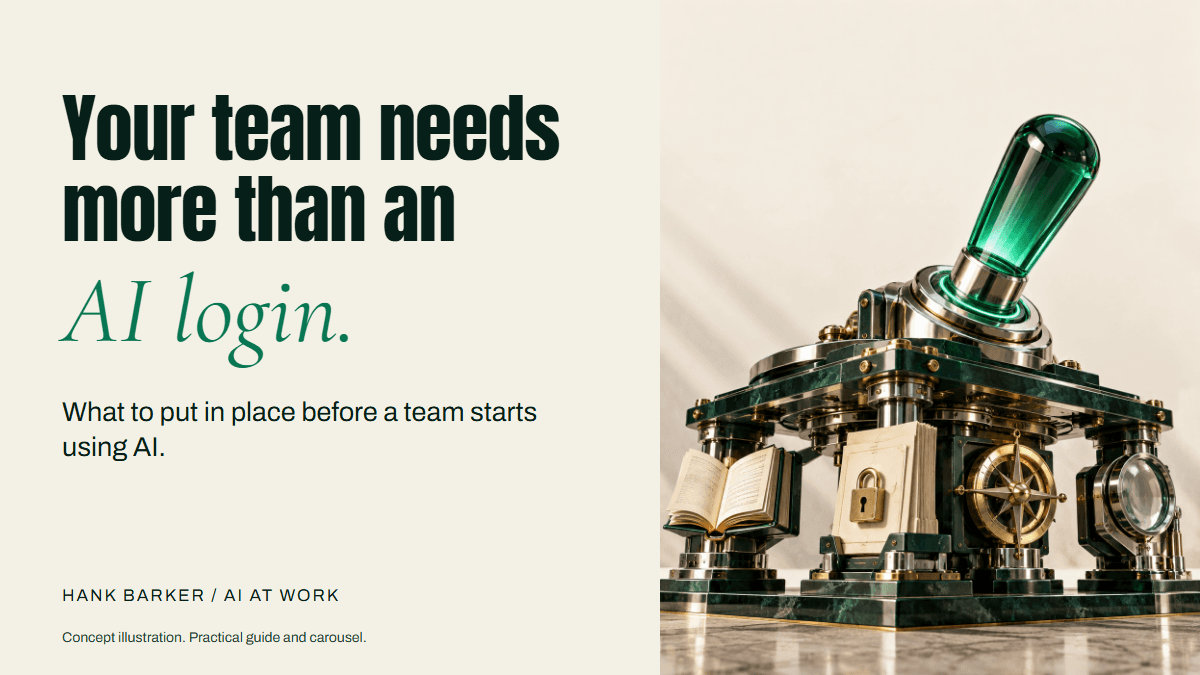
Before your team starts using AI
Connect AI to a business outcome, build a usable policy, train people on their work, and review a pilot before expanding.
Open guide→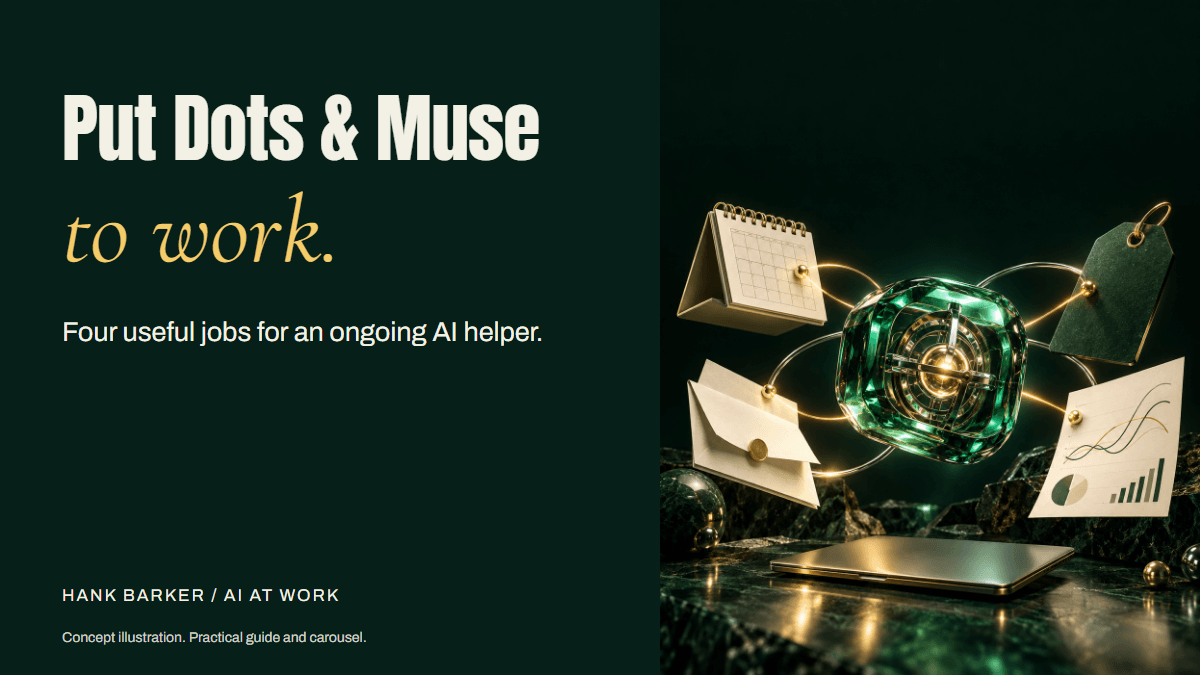 AI Agents· 10 min read
Give your AI helper a job
Four useful assignments for Dots and Muse, with setup references, source rules, approval limits, and a reusable review record.
Open guide→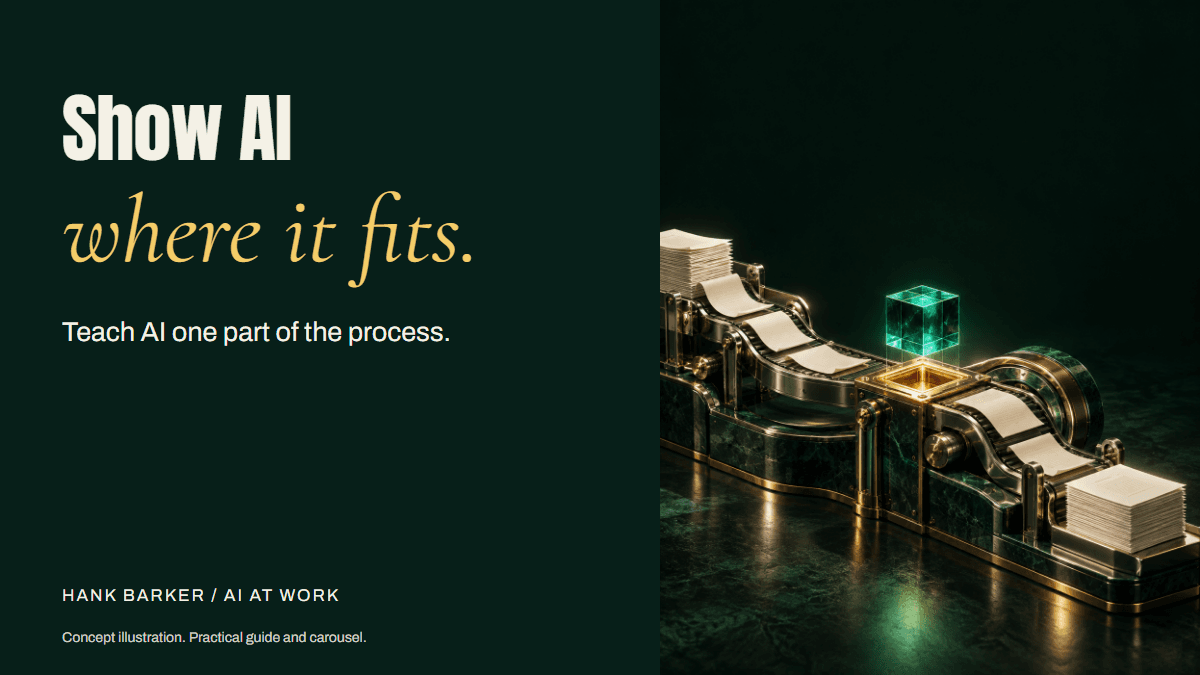 AI Workflows· 10 min read
Teach AI its part of your workflow
Map the process, define the AI role and output standard, then use varied tests, specific corrections, and a saved operating record.
Open guide→- Use ChatGPT, Claude or Copilot inside ExcelPractical AI· 7 min read
Use ChatGPT, Claude or Copilot inside Excel
Open a copy of a workbook, ask the AI to explain its structure, then give it one specific change. Once you can check that change, move on to a summary, PivotTable or chart. This guide covers the three setup routes and gives you a small workbook with answers you can verify yourself.
Open guide→ - Make your AI designs and writing match your brandPractical AI· 6 min read
Make your AI designs and writing match your brand
Give an AI your real logo, a few designs you like and examples of your writing. Have it identify the choices already present, ask about the choices that are missing, and turn your answers into a brand sheet plus instructions you can reuse. The example here is a fictional workshop business. The screenshots show the actual source review, interview and resulting files.
Open guide→ - Get started with ChatGPT WorkPractical AI· 8 min read
Get started with ChatGPT Work
Give Work a concrete assignment, inspect the file it produces, and refine it in the same conversation. This walkthrough starts with a small set of fictional workshop facts and ends with an editable Word checklist. It also shows a real first-draft mistake and the correction that fixed it.
Open guide→ - Claude Code for complete beginnersPractical AI· 8 min read
Claude Code for complete beginners
Start with a folder of notes and finish with a useful document you can open. You will choose the folder, ask Claude to inspect it, review a plan, correct a mistake, and create two files. No terminal commands are required for this desktop walkthrough.
Open guide→ - Get started with Claude CoworkPractical AI· 8 min read
Get started with Claude Cowork
Start with one finished piece of work you can inspect: a document, a comparison of files, a presentation or a small set of updates. Give Claude the source material, explain the result you want, and stay involved when it makes decisions that depend on your judgment.
Open guide→ - Use Codex when you have never codedPractical AI· 10 min read
Use Codex when you have never coded
Start with a result you can describe and check. You do not need to begin by learning a programming language. You do need to explain the inputs, what you want back and how you will know it works. The first task is the handover document from the video: turn scattered notes into confirmed facts, customer requests and unresolved questions. An optional calculator example then shows how to test a small interactive tool.
Open guide→ - Research content ideas with AIPractical AI· 6 min read
Research content ideas with AI
Use AI to study what creators are teaching, find questions your audience is asking, and check recent news. Bring those three routes into one shortlist, then select the ideas you can teach from your own experience before asking for scripts.
Open guide→ - Turn your expertise into training people can usePractical AI· 5 min read
Turn your expertise into training people can use
Have the AI interview you before it writes the training. Your experience supplies the judgment: what people need to do, where they make mistakes, and what good performance looks like. The AI can organize that into examples, practice and a useful check of understanding.
Open guide→ - Turn customer feedback into improvements you can explainPractical AI· 5 min read
Turn customer feedback into improvements you can explain
Start with what people said, find the recurring issues, and connect each recommendation to its evidence. This walkthrough uses six fictional workshop comments and a current facts sheet. The result is a feedback analysis you can inspect, rather than a list of plausible business advice.
Open guide→ - Get AI working with the files you already usePractical AI· 7 min read
Get AI working with the files you already use
Start by deciding where the information lives and what you want the AI to do with it. Uploading a document, connecting a cloud service and allowing a desktop agent to work in a folder are different routes. This guide shows the actual upload menu and a real local-folder task, then explains when the other routes make sense.
Open guide→ - Learn something with AI and check that you understand itPractical AI· 6 min read
Learn something with AI and check that you understand it
Use AI to build a learning path, explain difficult ideas in different ways, give you practice and keep track of what you can do. The useful test is whether you can apply the idea yourself after the explanation.
Open guide→ - Create posters and flyers with AIPractical AI· 5 min read
Create posters and flyers with AI
Start with the information someone needs at a glance, then build the design around it. This example turns the approved Maple Workshop facts into a one-page flyer with a large date, clear supplied-versus-bring instructions and an accurate schedule.
Open guide→ - Create good-looking presentations with AIPractical AI· 5 min read
Create good-looking presentations with AI
Give the AI a clear audience, a small set of reliable facts and a slide-by-slide purpose. Then inspect the actual deck and revise it. This walkthrough uses Claude to create an editable five-slide PowerPoint for a fictional beginner workshop, with a PDF preview and speaker notes.
Open guide→ - Create professional documents with AIPractical AI· 5 min read
Create professional documents with AI
Create a document people can use, then check both its wording and its layout. This walkthrough turns a small set of workshop facts into a Word welcome pack. It shows the original request, a schedule correction, and a second review that caught unsupported wording in an otherwise polished document.
Open guide→ - Create a searchable library of your documentsPractical AI· 6 min read
Create a searchable library of your documents
Put the information for one topic in a notebook, then ask questions across it. This is useful when the answer lives across several documents: class details, preparation instructions, customer feedback and policy notes, for example.
Open guide→ - Update multiple documents without editing them one by onePractical AI· 5 min read
Update multiple documents without editing them one by one
Give the AI a bounded folder, specify the change, review the proposed replacements, and check the new files. The example changes a fictional workshop price from $45 to $50 in two documents while preserving the originals. The same process can extend to a larger batch once a small sample works.
Open guide→ - Get useful feedback from AI on your workPractical AI· 6 min read
Get useful feedback from AI on your work
Give the AI the work, the audience, the goal and the standard you want it checked against. Then ask it to quote the problems and prioritize fixes before rewriting. This walkthrough uses a deliberately flawed workshop announcement and shows the actual critique and corrected version from ChatGPT Work.
Open guide→ - Edit your videos with AIPractical AI· 7 min read
Edit your videos with AI
Give a local AI agent the footage, describe the treatment you want and review a short sample before applying it to an entire recording. This guide walks through the setup, instructions, timeline and export using a real eight-second Hyperframes project. The demonstrated edit adds an animated title over existing footage and retains the source audio. A full spoken-video recut and caption pass are separate tasks.
Open guide→ - Create a website with AIPractical AI· 5 min read
Create a website with AI
Describe the page's purpose, supply the real information, and review the site as a visitor. This walkthrough uses ChatGPT Work to create a private one-page website for a fictional workshop, then corrects the page and checks what still needs attention.
Open guide→ - Get AI to write the way you wantPractical AI· 6 min read
Get AI to write the way you want
Give the AI examples, explain what you like about them, and revise the output with precise feedback. You can use your own writing or references you admire. The goal is a result that fits your audience and purpose, with your facts and point of view.
Open guide→ - Analyze Your Instagram and Facebook With MuseMarketing· 9 min read
Analyze Your Instagram and Facebook With Muse
Connect the right accounts, check what Muse can access, and turn your social analytics into a weekly content review. Screenshots, copyable prompts, and a Facebook export fallback included.
Open guide→  Automation· 12 min read
Five Apps, One Screen
Turn five work apps into one screen that tells you what to decide this morning. Built as a Claude live artifact, starting from the one question you need answered every day.
Open guide→ Productivity· 11 min read
The Friday Reconciliation
Every Friday, have AI compare what you said you would finish against what you actually finished, using the record rather than your memory, with the evidence attached.
Open guide→ Automation· 9 min read
The Morning Rebuild
A scheduled task that re-reads your calendar, inbox, documents and task list every weekday morning, then rewrites today into four sections and tells you what changed and why.
Open guide→ Automation· 12 min read
Your Morning Industry Brief
A standing job that reads a fixed source list every morning, drops what it already told you, separates confirmed from unverified, and writes the brief into Notion before you sit down.
Open guide→ Automation· 10 min read
Build an AI Agent to Run Your Week
A standing agent that builds your day, keeps you on pace, and closes it out. How to set one up even if you're not technical, and how to leash it.
Open guide→ Automation· 9 min read
Let Claude Use Your Computer
Claude can open your apps, sort your files, and fill in forms the way you would. The three ways to turn it on, and how to keep it safe.
Open guide→ Getting Started· 9 min read
The 4 Levels Of Using AI
Most people are stuck on Level 1. The full map from typing questions into a box to running agents, and the exact move up at each level.
Open guide→ Getting Started· 9 min read
Which AI For Which Job
Claude, ChatGPT, Gemini, and Copilot win four different jobs. The honest breakdown, plus the pro move of using two on purpose.
Open guide→ Building· 9 min read
Build a Real Tool Without Code
Three honest ways to build a working tool with AI, and how to pick the right one without writing a line of code.
Open guide→ Productivity· 8 min read
Let AI Run Your Calendar
Connect your calendar and let AI time-block your day, so every hour has a job and nothing floats.
Open guide→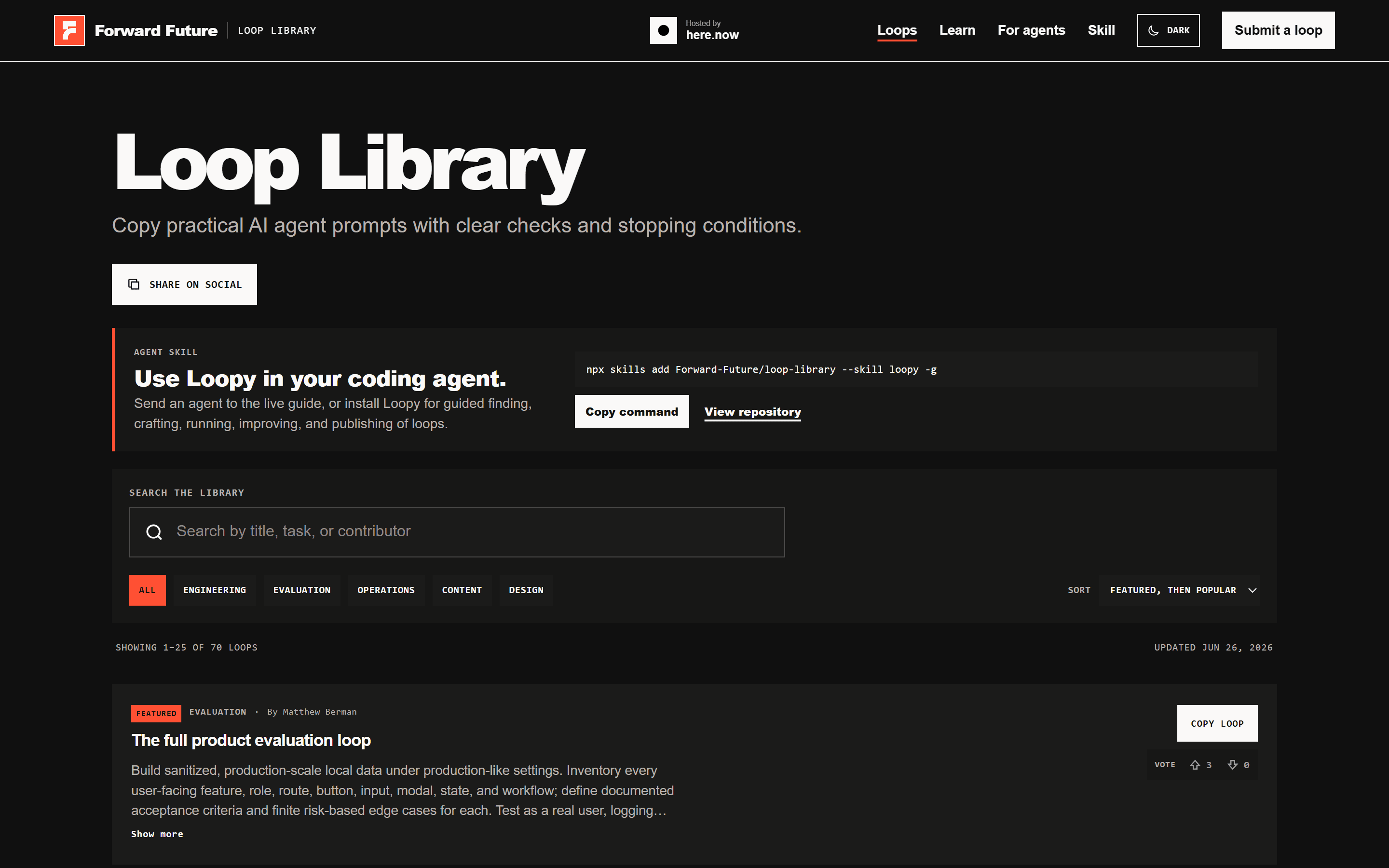 Automation· 10 min read
The 5 AI Loops I Run Every Day
The five automation loops I run daily, plus the full 70-loop library. Set them once and they run themselves.
Open guide→ Building· 9 min read
The Claude Skills Playbook
The one required file, the nine skill categories, and how to build your own. A plain-English playbook for Claude Skills.
Open guide→- Claude as an Operating SystemConnectors· 8 min read
Claude as an Operating System
Turn Claude into an operating system for your work. Connect your calendar, email, docs, and CRM so it acts on your real data, not guesses.
Open guide→